What Exactly Is a Wireless Bridge?
News 2026-02-14
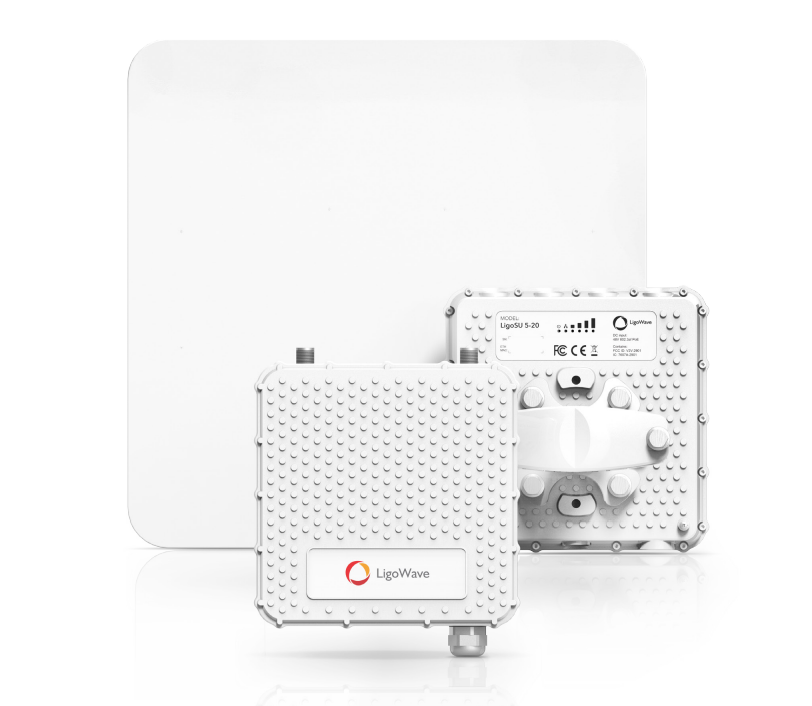
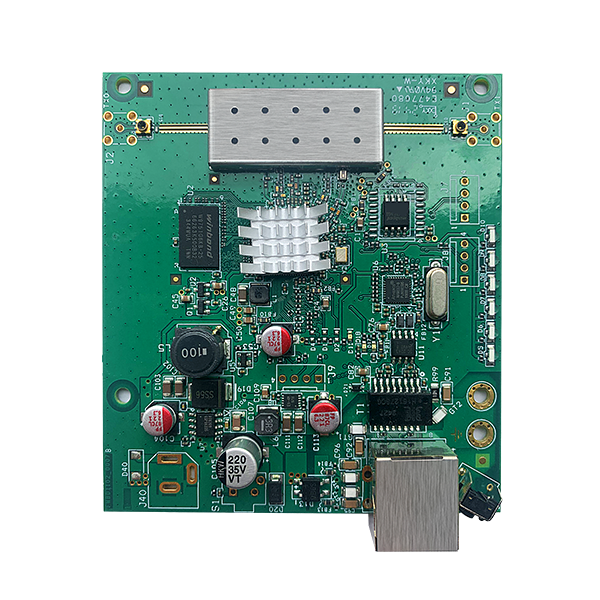
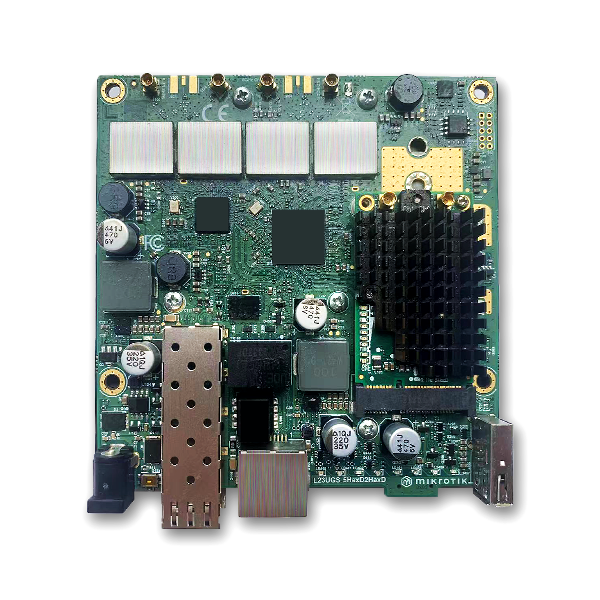
Put simply, a wireless bridge is a device that enables transparent, long-distance wireless communication between two or more complete user networks. These networks may be in the same building, but are typically located in adjacent buildings, or can even connect networks up to 30 miles apart using appropriate antennas and line-of-sight bridges. A wireless bridge connects to a wired network via an Ethernet port and replicates data to a remote network bridge or access point using 802.11a/b/g wireless (Wi-Fi) protocols.
Point-to-Point (PTP) Bridging:
Point-to-point topology is the simplest configuration, connecting two networks at two different locations—usually remote buildings or warehouses—using one wireless bridge at each location.
Point-to-Multipoint (PTMP) Bridging:
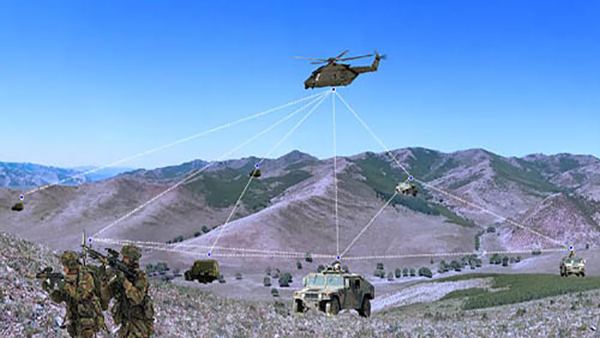
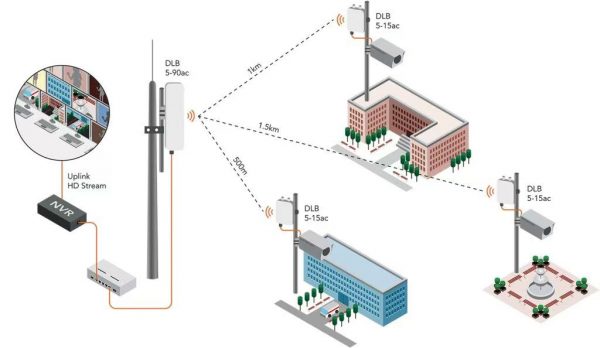
Point-to-multipoint topology wirelessly connects multiple locations together, allowing them to share the same network resources. The bridge at the main central location is called a root bridge or base station bridge. All data passed between wireless bridge clients must first pass through the root bridge. These point-to-multipoint networks are used for Wireless Internet Service Providers (WISPs), large enterprise campuses, distribution facilities, school districts, public safety applications, and more.
What Is Needed to Build a Point-to-Point Bridge Link?
Line-of-sight between the two locations. You may need to install a pole or tower on the roof to achieve this. A site survey is recommended before installation.
Selecting a wireless bridge: Several factors should be considered when choosing a wireless bridge:
Distance: Distance determines the antenna gain required, and whether an external antenna is needed or an integrated antenna is sufficient.
Wireless Protocol: Do you prefer a bridge based on the 802.11 standard for interoperability with other bridge manufacturers, or a proprietary protocol from a specific vendor? Using a proprietary protocol offers some additional security advantages over standard protocols.
Frequency: Do you want to use licensed or unlicensed (2.4, 5–5.8 GHz) frequency bands?
Indoor or Outdoor: Indoor wireless bridges are less expensive, but you will need to purchase a significant amount of LMR-400 cable to connect to an outdoor antenna. This introduces substantial signal loss, and you will ultimately need higher-gain antennas to compensate. Outdoor bridges can be placed next to the antenna, reducing the amount of cable you need to buy and the amount of signal loss.
Selecting a wireless antenna: If your chosen bridge does not already have an integrated antenna, you will need to select one now. For point-to-point links, we recommend directional panel, grid, or solid parabolic antennas.
Peripherals: You will need to select appropriate surge arrestors and RF antenna cables to connect and protect your equipment.
Double Up: Now double the quantity of your selected hardware so that both sides have identical setups.
Installation:
Finally, select a professional installer in your area to run the proper cables, install any required poles or towers, align the antennas, and configure the radios. If you have any questions about this, please let us know and we will assist you in finding a qualified installer. If you prefer to do it yourself, go for it—but don’t forget to bench-test the bridge before actual on-site installation.